

Logs
In this section you will learn how to view the SurrealDB logs of your SurrealDB Cloud Instance.
Note
Viewing logs
To view the logs of your SurrealDB Cloud Instance, navigate to the monitoring tab in the sidebar. Under the logs option, you will see a list of logs for your SurrealDB Cloud Instance.
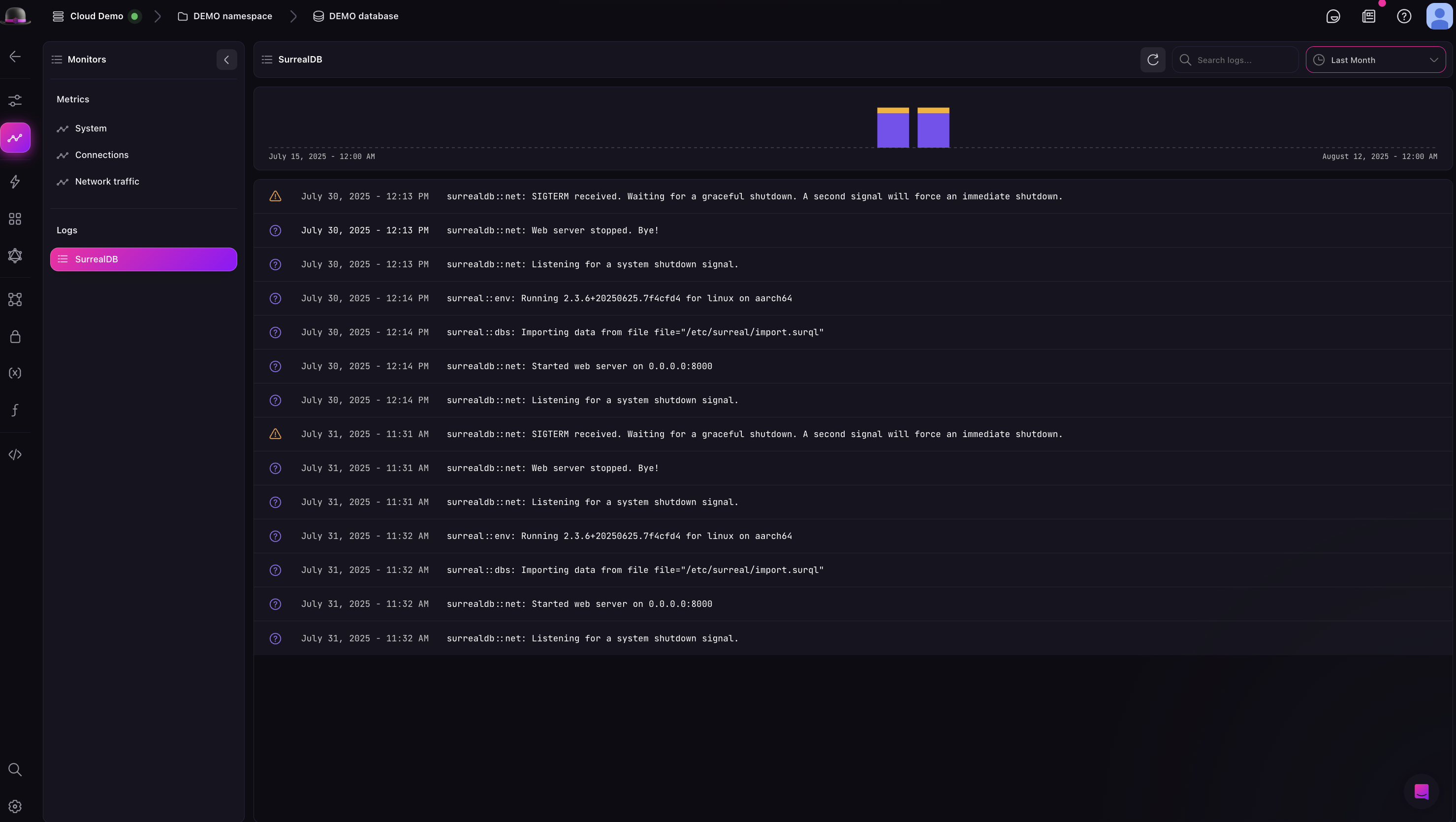
Filtering logs
While viewing the logs of your SurrealDB Cloud Instance, you can filter the logs by selecting the filter button. This will open a modal where you can select the logs you want to view. You can filter by the following:
Level: this includes the level of the log.
Source: this includes the source of the log.
Message: this includes the message of the log.